Software for TAGARNO TREND and PRESTIGE microscopes
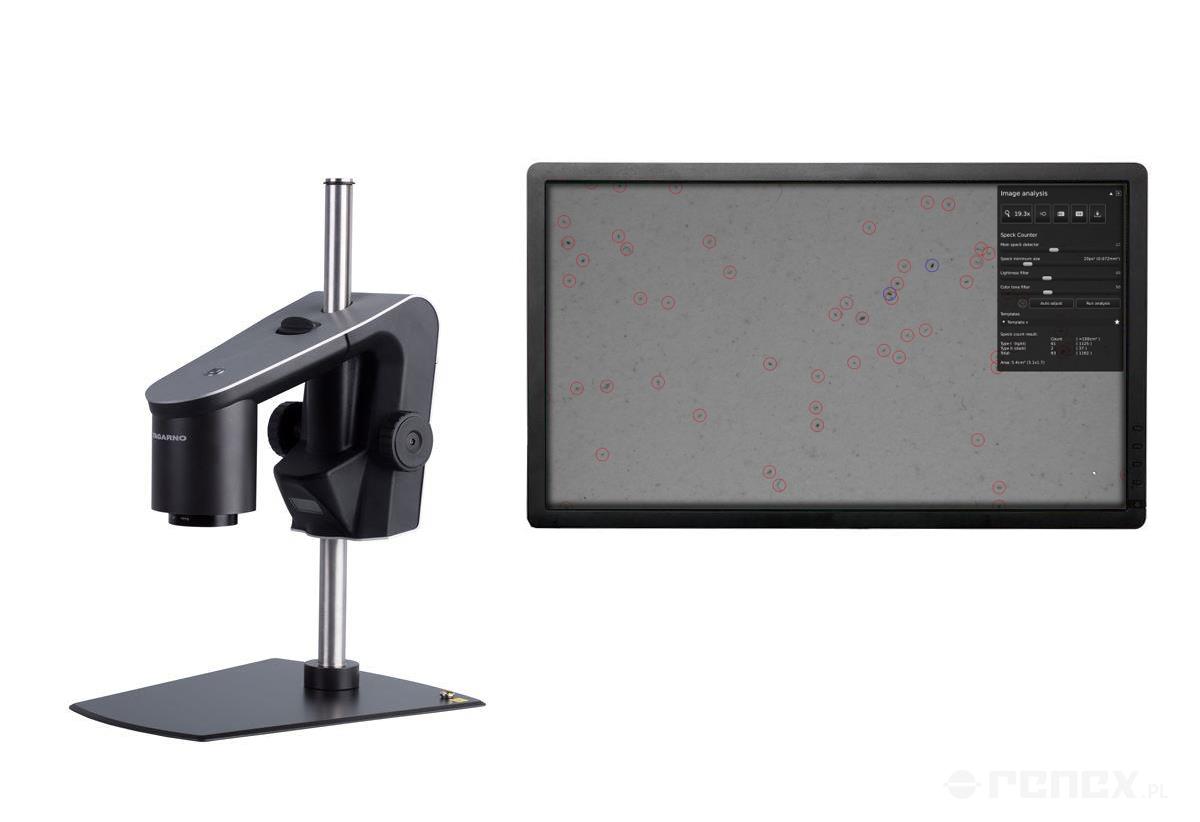
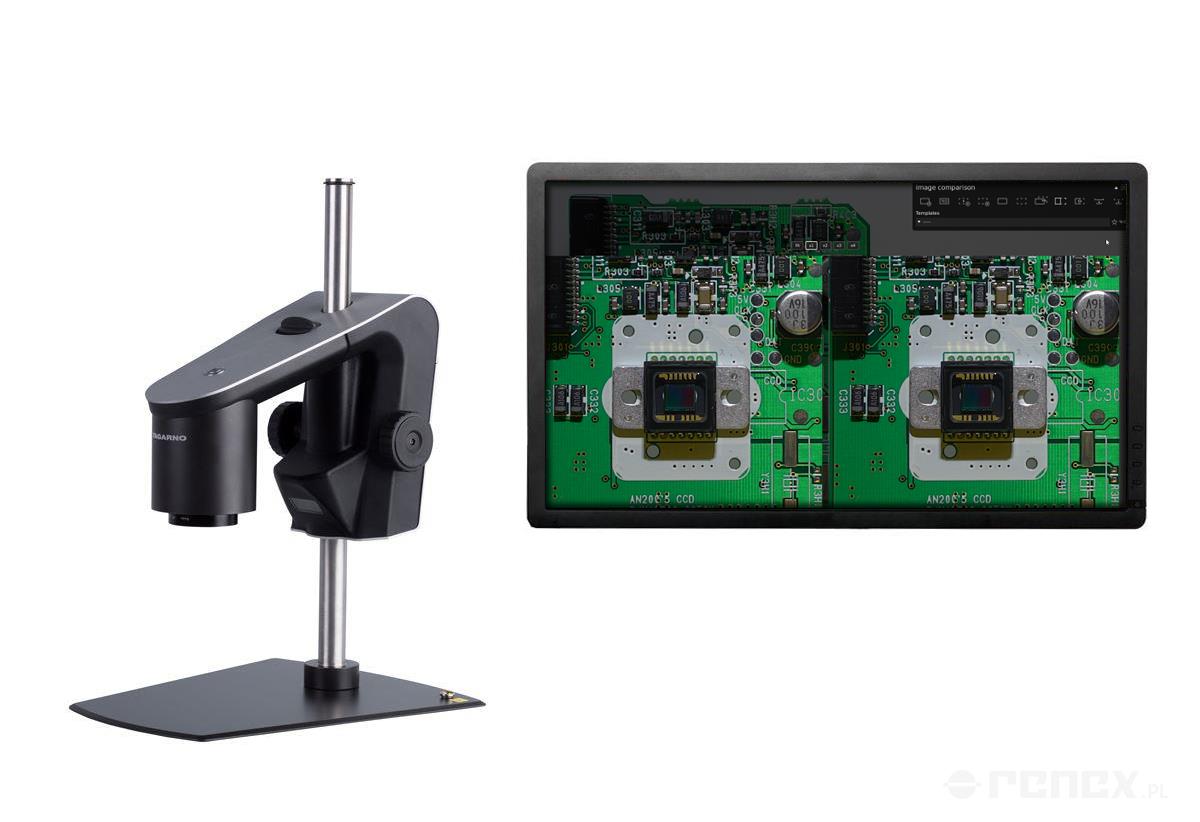
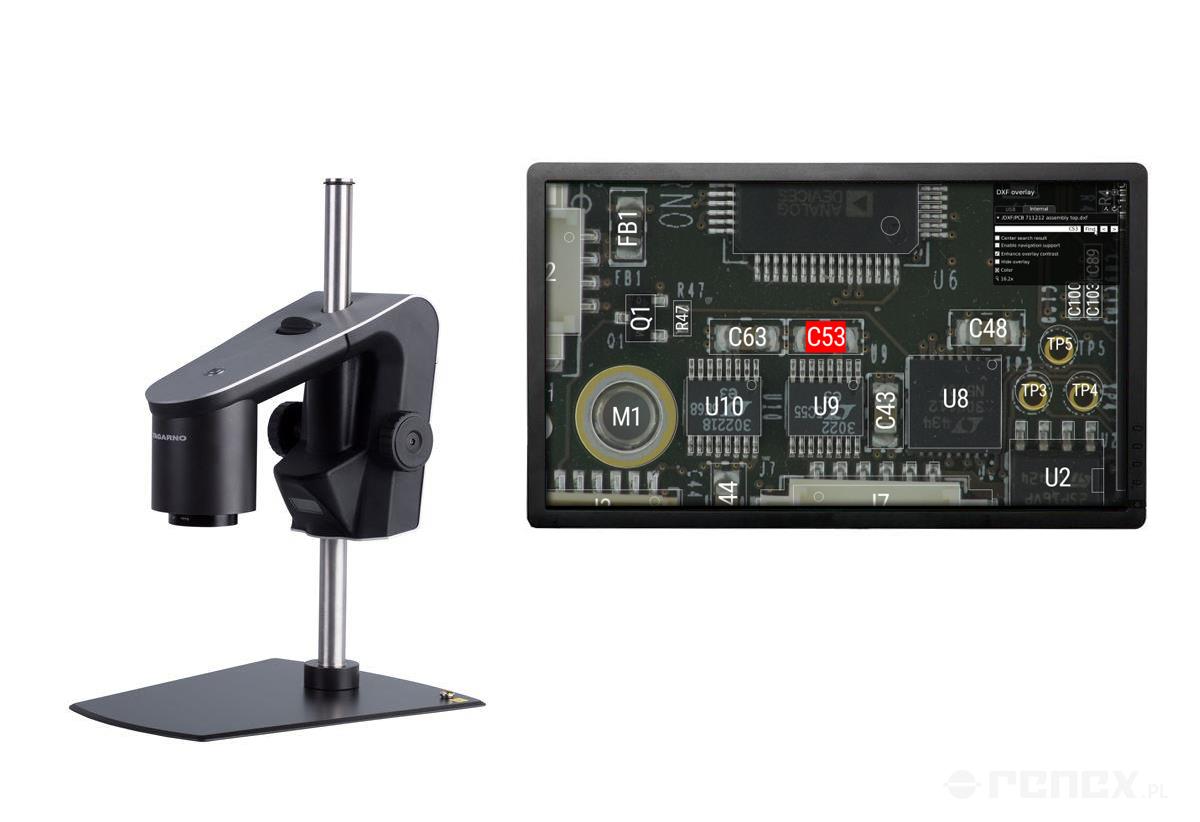
By saving an imported PNG file as a preset, you can recall the settings used at the time (magnification level, ring light settings, etc) as well as the PNG file with a press of a button on a keyboard or numpad. This elimates time spent on fineadjusting the settings on the microscope and reduces preparation time in between samples. Use the extra time on performing more analyses in a day or spend it somewhere else in the company.
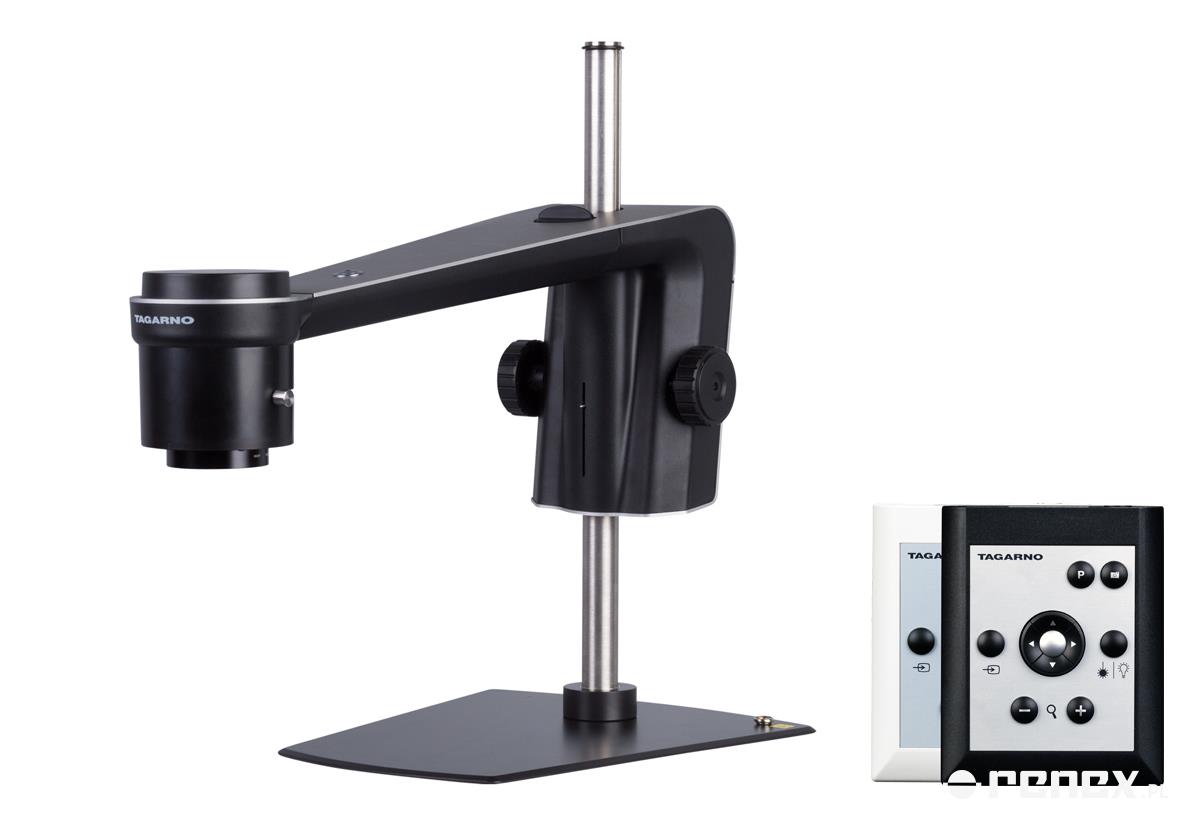
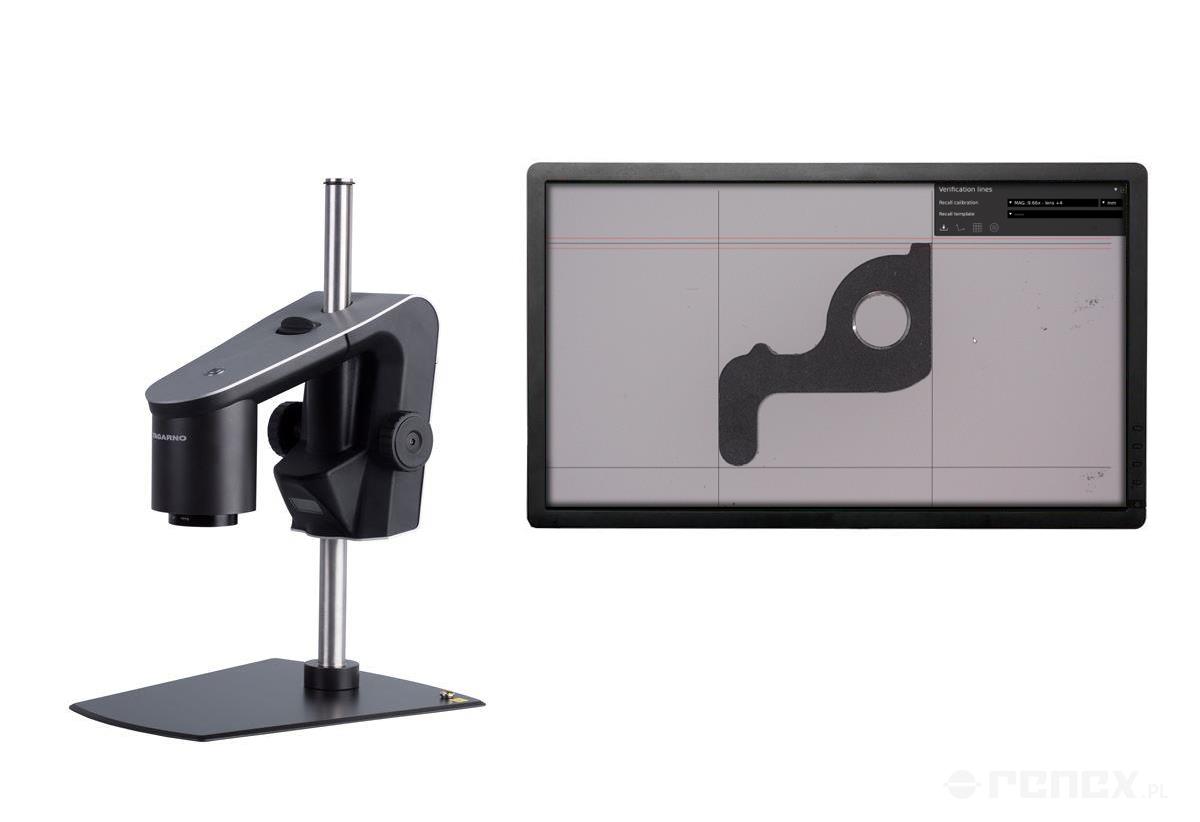
By recalling your settings, you can use the same settings over and over again across all analysis. Then it doesn't matter who's doing the work. The settings will always be the same. - The presets can even be locked in the microscope menu to prevent you from accidentally changing them. - Instead of using a ruler to manually measure an object, create an inspection graphic that allows you to quickly verify your object. Is it the right size? Great, move on to the next sample. Or maybe you need an image bank with reference pictures of what to look out for during the inspection. It doesn't matter how you are currently doing that. We are confident this will be a more efficient and reliable solution. - All you need to perform your inspection is included in the microscope hardware and software. No need for additional accessories. Once the presets have been defined with the control box, this can even be removed. Then, use a numpad to recall the presets without the risk of accidentally changing or overwriting the settings.
Name:
Dział sprzedaży
E-mail:
sklep@renex.pl
Address:
Al. Kazimierza Wielkiego 6E
Postal code:
87-800
City:
Włocławek
Country:
Poland
Description
General information
Software for TAGARNO TREND and PRESTIGE microscopes
By saving an imported PNG file as a preset, you can recall the settings used at the time (magnification level, ring light settings, etc) as well as the PNG file with a press of a button on a keyboard or numpad. This elimates time spent on fineadjusting the settings on the microscope and reduces preparation time in between samples. Use the extra time on performing more analyses in a day or spend it somewhere else in the company.
By recalling your settings, you can use the same settings over and over again across all analysis. Then it doesn't matter who's doing the work. The settings will always be the same. - The presets can even be locked in the microscope menu to prevent you from accidentally changing them. - Instead of using a ruler to manually measure an object, create an inspection graphic that allows you to quickly verify your object. Is it the right size? Great, move on to the next sample. Or maybe you need an image bank with reference pictures of what to look out for during the inspection. It doesn't matter how you are currently doing that. We are confident this will be a more efficient and reliable solution. - All you need to perform your inspection is included in the microscope hardware and software. No need for additional accessories. Once the presets have been defined with the control box, this can even be removed. Then, use a numpad to recall the presets without the risk of accidentally changing or overwriting the settings.